Workplace Safety in the Office: Legal Obligations, Ergonomics and Prevention
Workplace safety in the office serves to maintain employee health and provide legal protection for employers. In modern hybrid offices, safety places new demands on the organization of desk sharing and mobile work.
Workplace Safety in the Office: Key Takeaways
- Legal framework for workplace safety in the office: The foundation consists of the Occupational Safety Act (ArbSchG), the Workplace Ordinance (ArbStättV) and DGUV Information 215-410.
- Risk assessment in the office: The employer must identify and document the risks (physical and psychological) for each workplace.
- Ergonomics: Desks, chairs and monitors must be adjustable to prevent musculoskeletal disorders.
- Personnel: Depending on company size, safety officers, first aiders and fire safety assistants must be appointed in the required numbers.
- Safety briefings: At least once a year, all employees must be instructed on the hazards and protective measures in the workplace.
What legal regulations apply to workplace safety in the office?
Workplace safety in the office is primarily governed by the Occupational Safety Act (ArbSchG) and the Workplace Ordinance (ArbStättV), which are further specified by DGUV Information 215-410.
These regulations require employers to systematically assess hazards, comply with technical standards for computer workstations and ensure employee safety through regular briefings and the provision of first aiders.
- Occupational Safety Act (ArbSchG): It forms the foundation and obliges the employer under § 5 to conduct a risk assessment. The goal is to design work in such a way that hazards to life and physical and mental health are avoided.
- Workplace Ordinance (ArbStättV): It defines minimum requirements for the operation of workplaces. This includes aspects such as room temperature, ventilation, lighting and the design of computer workstations.
- DGUV Information 215-410 (formerly BGI 650): This guideline from the German Social Accident Insurance is the most important practical standard for offices. It contains detailed requirements for ergonomics, floor space and the safety-related design of work equipment.
- Display Screen Equipment Regulation (now part of ArbStättV): It sets specific requirements for the quality of monitors, keyboards and software ergonomics to prevent strain on the eyes and musculoskeletal system.
Responsibility and Implementation of Workplace Safety in the Office
The employer is solely responsible for compliance with and implementation of all measures. For support, from the very first employee, the employer is required to provide proof of safety engineering and occupational health care (according to ASIG and DGUV Regulation 2).
Occupational safety specialists (Sifa) and company physicians provide advisory services, but keeping escape routes clear or correctly adjusting office furniture falls under the responsibility of the respective managers or office management.
How is a risk assessment created for office workplaces?
The risk assessment is the required tool for identifying risks to employee health and initiating countermeasures. According to § 5 of the Occupational Safety Act, every employer is obliged to conduct this assessment for all workplaces, document it and update it regularly.
- Define work areas: Divide the office into meaningful units, for example individual offices, open spaces, meeting rooms.
- Identify hazards: Record all physical and psychological stresses.
- Assess hazards: Evaluate the risk (probability of occurrence and severity of potential damage).
- Define protective measures: Select appropriate measures according to the TOP principle (Technical before Organizational before Personal).
- Implement measures: Carry out the planned improvements.
- Check effectiveness: Verify whether the measures have actually reduced the risk.
- Document and update: Legally compliant documentation of results and adaptation when changes occur (e.g. new office furniture or software).
Consideration of Psychological Stress in the Office
Since 2013, the Occupational Safety Act has explicitly required that the psychological risk assessment must also be part of the process. In the office, the focus is on factors such as work intensification, constant availability, lack of recovery periods or inadequate work organization. The goal is the prevention of stress-related illnesses and burnout.
Special Case: Risk Assessment for Hybrid Work (Office/Home Office)
Due to the alternation between office and home office, the assessment must extend beyond time spent in the office. The employer must also consider hazards for working from home and on the go. Since the employer has no direct right of inspection in the private space of employees, this is done through self-assessment questionnaires and instructions for the ergonomic design of the home workplace.
What ergonomic requirements must office workplaces meet?
Workplace ergonomics aims to adapt working conditions to the physical characteristics of people. The overarching goal is to prevent improper strain and chronic musculoskeletal disorders .
DGUV Information 215-410 and the standards DIN EN 527-1 (desks) and DIN EN 1335 (office chairs) define exact minimum requirements for this purpose.
The Ergonomic Office Chair
A suitable chair must allow dynamic sitting and be individually adjustable:
- Seat height: The thighs should slope slightly downward, with feet flat on the floor (knee angle approx. 90° or slightly more).
- Backrest: It must have lumbar support that supports the natural curvature of the spine in the lower back area.
- Dynamics: The backrest should be movable (synchronous mechanism) to encourage alternating between leaning forward and backward.
The Office Desk
The desk must provide sufficient space for work equipment and the correct working height:
- Dimensions: The standard surface area is 160 x 80 cm. A depth of at least 80 cm is necessary to maintain the viewing distance to the monitor.
- Height: For fixed desks, the standard measurement is 74 cm (± 2 cm). However, height-adjustable sit-stand desks (switching between 65 cm and 125 cm) are ideal for reducing cardiovascular strain.
- Surface: It must be low-reflection and matte to avoid glare from light sources.
Monitor and Input Devices for the Office
The placement of technology affects the strain on neck and eyes:
- Viewing distance: Depending on monitor size, this should be between 50 cm and 70 cm.
- Viewing angle: The top line on the screen should be well below eye level, so that the gaze is slightly tilted downward.
- Arrangement: The monitor must be positioned directly in front of the user (no twisted posture). Keyboard and mouse should be placed so that the forearms can rest relaxed on the desk.
Light, Noise and Climate in the Office
- Lighting: For office work, an illuminance of at least 500 lux is required. Natural daylight is preferred, while glare must be prevented using blinds.
- Noise: The sound pressure level should not exceed 55 dB(A) for predominantly mental tasks.
- Indoor climate: The recommended room temperature is between 20°C and 22°C. The relative humidity should be between 40% and 60%.
How many first aiders and safety officers do I need for the office?
The number of persons to be appointed for occupational safety is legally defined and depends on the number of insured persons present in the workplace according to DGUV Regulation 1.
- First aiders: In offices with up to 20 employees present, one first aider must be appointed. From 21 employees onwards, at least 5% of the workforce must be trained as first aiders.
- Safety officers (SiBe): From a company size of 20 employees, the appointment of at least one safety officer is mandatory. They support the employer on a voluntary basis in accident prevention.
- Fire safety assistants: Here too, a quota of typically 5% of employees applies. Find all details about training and equipment for fire safety in the office.
Important for planning: The employer must ensure through vacation and sick leave periods as well as hybrid work models that the required number of helpers are physically present in the office at all times.
How is workplace safety implemented in the office with desk sharing and hybrid work?
The introduction of work models such as desk sharing and hybrid work fundamentally changes the requirements for occupational safety. Companies must ensure that the protection goals of the Workplace Ordinance (ArbStättV) are also achieved with daily user changes and in the home office.
- Ergonomics: Since every employee has different physical requirements, shared workplaces (shared desks) must be versatile and easily adjustable.
- Space utilization and capacities: In open-space concepts, there is a risk of overcrowding, which increases noise levels and can undermine escape route concepts.
- Psychological stress: The uncertainty of not finding an adequate workplace in the morning ("desk hunting") creates additional stress and reduces concentration.
- Hygiene: Frequent user changes require hygiene rules and adapted cleaning cycles.
How does booking software help with workplace safety and health in the office?
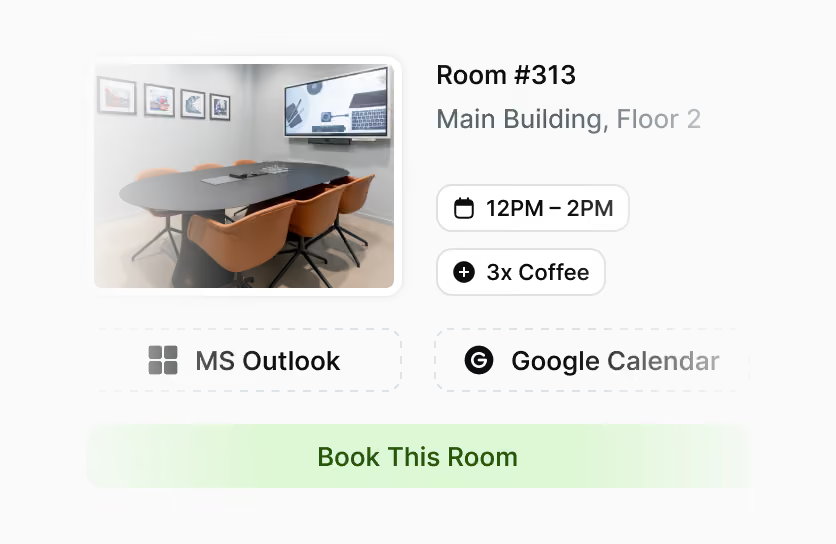
PULT is our software for workplace and room booking as well as automated presence detection. It serves many employers as a platform to fulfill their duty of care. The software includes features for ergonomics, emergency management and health protection:
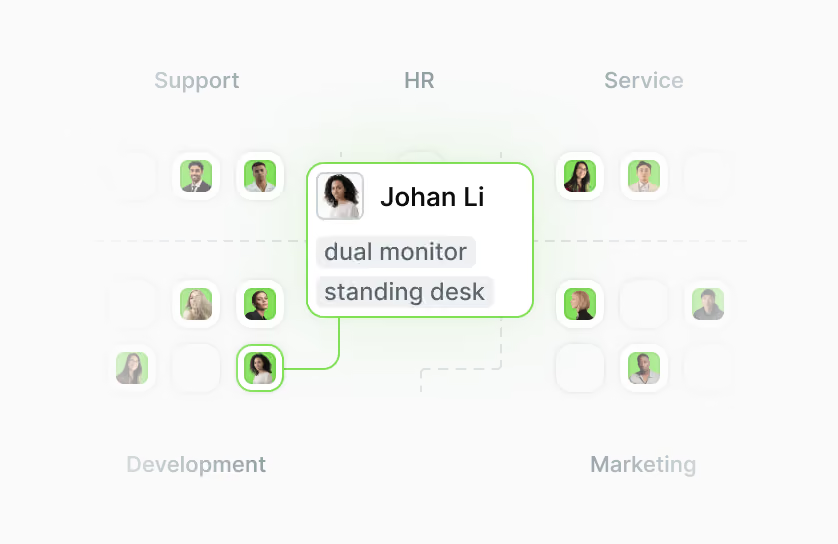
- Equipment filter: Employees can specifically search for workplaces with height-adjustable desks (sit-stand desks), ergonomic chairs or special monitors.
- Fixed assignments when needed: For employees with special medical or physical requirements, PULT enables permanent reservation of fixed workplaces as an exception to desk sharing.
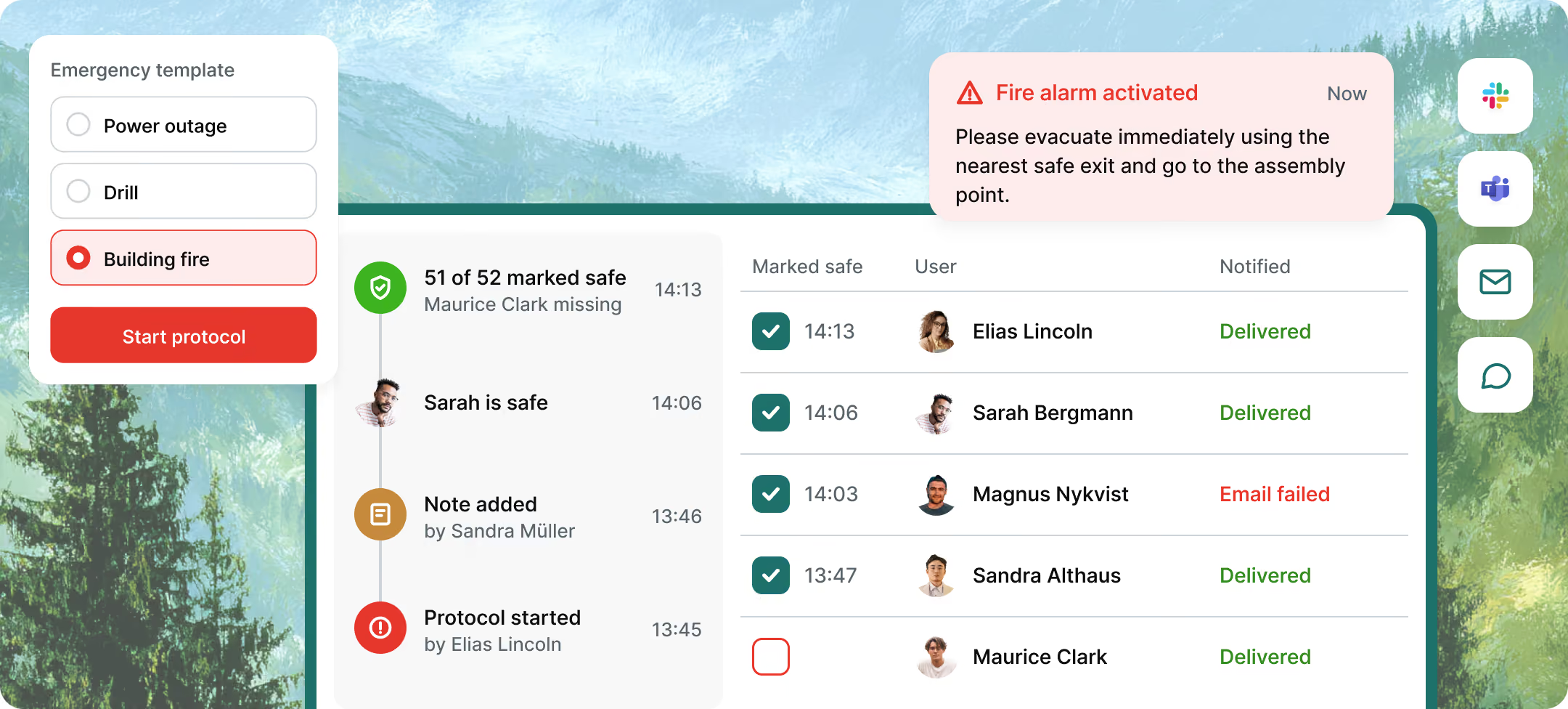
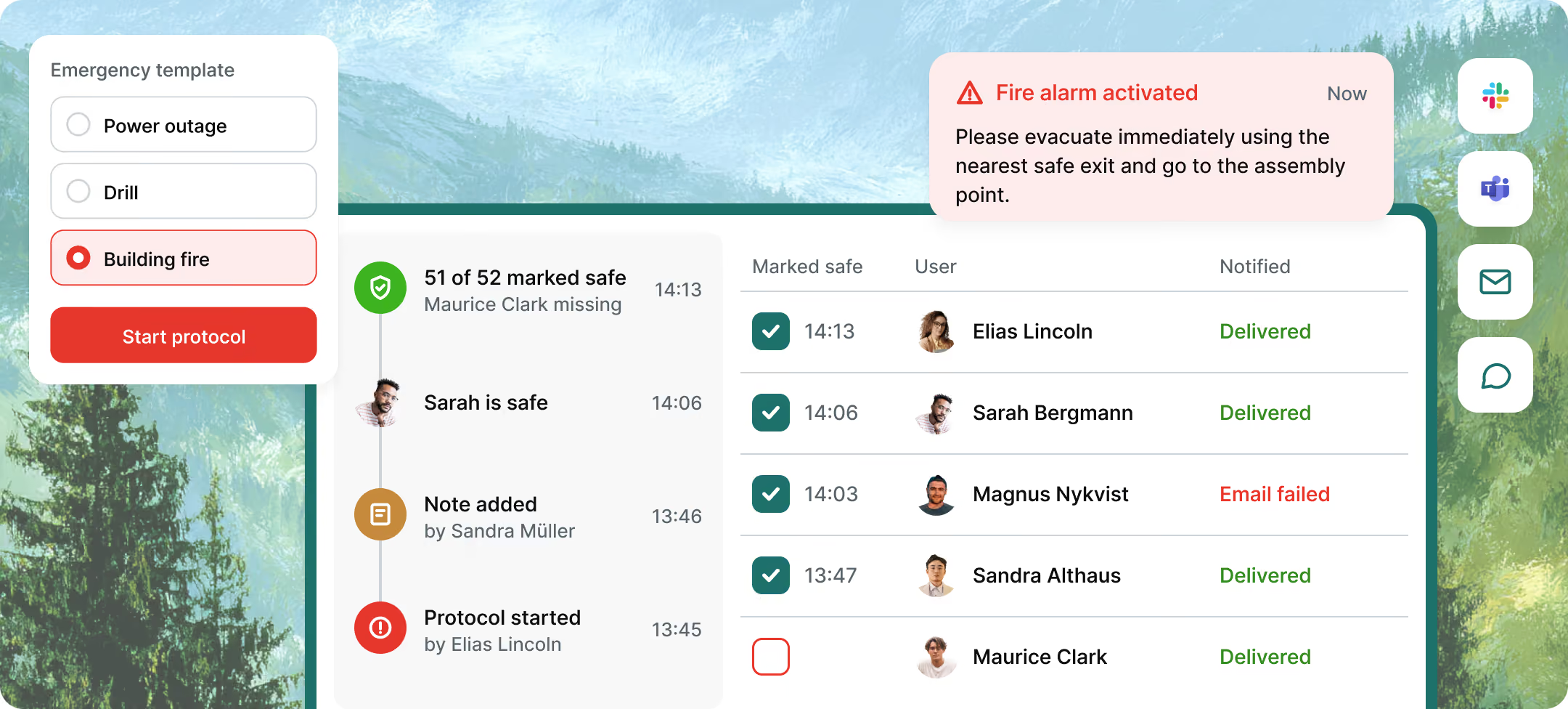
- Emergency Export: At the push of a button, administrators generate a list of all persons actually present. Thanks to WiFi detection (PULT Presence), "no-shows" or spontaneous visitors are also precisely recorded.
- Capacity control: The software automatically prevents overcrowding of zones. This way, fire safety regulations and escape route capacities are technically accounted for.
- AI Health & Safety Agent: Our AI agent helps convert occupational safety regulations into tasks and pre-fill compliance documents for audits with real presence data.
- Noise and acoustic management: Through clear zoning into quiet and team zones as well as the bookability of phone booths, acoustic stress is reduced.
- Psychological relief: The guarantee of a firmly reserved workplace eliminates the stress of morning searching and ensures a calm start to the workday.
Tip: Learn more about automatic presence detection via WiFi at PULT Presence.
{{onpage-cta}}